Save time and reduce risk
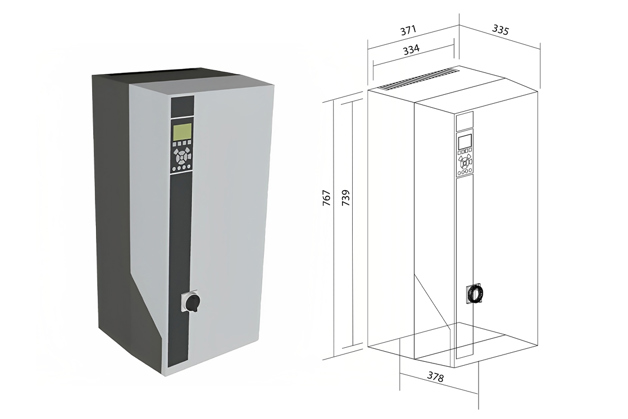
Design your system faster with access to valuable drive information including 3D Building Information Modeling (BIM) files for VLT® HVAC Drive FC 102. You can fully document your installation in AutoCAD Revit, to reduce the risk of errors, and save time on system design.
The 3D BIM files of building components enable architects and engineers to create highly accurate visualizations of a final solution. In the design stage, these visualizations help to reduce design iterations and minimize risk. They do this by facilitating checks for adequate space for components, wiring, and piping in a building or ship.
Transparency from cradle to grave
In the operational phase, the BIM files also facilitate lifecycle optimization, providing documentation of important component information, from factory to end of life. They enable construction companies to provide adequate documentation in the handover from contractor to owner, for lifetime building maintenance purposes.
For easier access to data in the form of PDF and Excel files, drawing and product data are split into separate documents. These highly accessible formats make it easier to find required data when ensuring compliance with global standards. It also reduces the 3D file size that the AutoCAD system has to manage and provides the opportunity to comply with the different BIM standards globally.
You can access all the BIM files for FC 102 drives in the 3D models and drawings library. Use the filter for BIM files for quick access.
You can also search in MagiCAD Cloud for FC 102 BIM files.
Your advantages:
- Easy integration of FC 102 drives into Building Information Modeling (BIM) systems for lifecycle traceability
- Design your system faster with access to important drives information including 3D BIM files. Run fewer design iterations. Easier engineering saves you time and reduces the risk of errors.
- BIM information is spilt into detail product information and 3D drawing with main drive information. This is done to optimize AutoCAD operation time and 3D storage capacity as well as comply with the different BIM standards globally to add required drive information.
- Easy-to-access resource library on danfoss.com