
Danfoss Link™
Danfoss Link™ a servi des millions de foyers au cours des dix dernières années. Avec la solution de chauffage connecté et intelligent Link™, Danfoss est entrée avec succès dans l'univers du chauffage domestique intelligent.
Pour toutes les futures installations connectées, Danfoss Ally™ est la solution de chauffage intelligente que nous recommandons. Avec Ally™, nous passons au meilleur protocole standard IoT du marché, Zigbee, et nous nous ouvrons à l'intégration d'autres acteurs du chauffage intelligent, en maintenant nos API ouvertes, créant ainsi des solutions plus performantes pour les maisons connectées.
Vous trouverez une page d'aide Danfoss Link™, en tant que référence du marché du chauffage pour les maisons connectées.
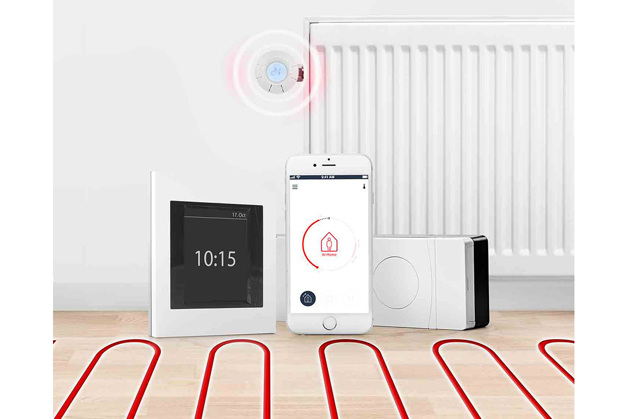
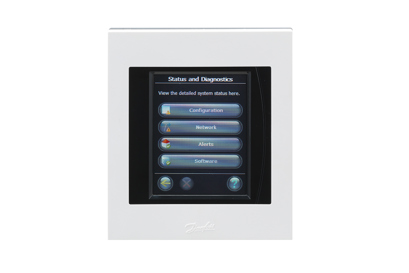
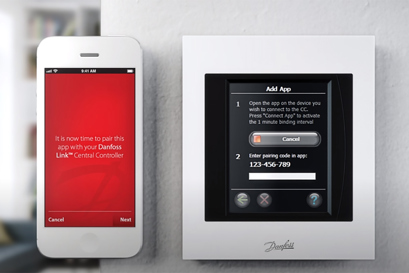
Le contrôleur central Danfoss Link™ est la pièce centrale de votre système de contrôle du chauffage. Il peut être utilisé pour votre seule "smart home" jusqu'à 300 m² où bien pour le contrôle de 30 thermostats connectés.
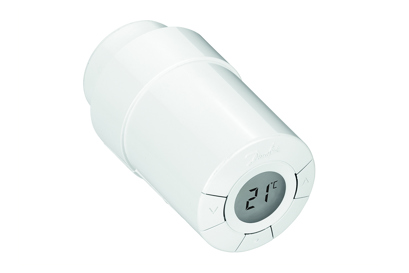
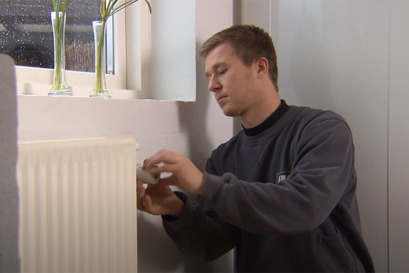
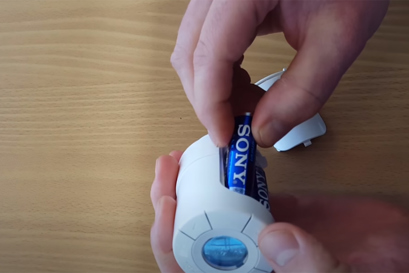
Le thermostat Danfoss Link™ Connect est une tête électronique intelligente. En combinaison avec le régulateur central Danfoss Link™ CC, il garantit une chaleur agréable et une efficacité énergétique maximale.
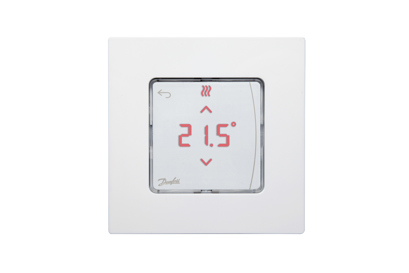
Le thermostat d'ambiance Danfoss Icon™ est un capteur électronique connecté mesurant la température de la pièce où il se trouve.
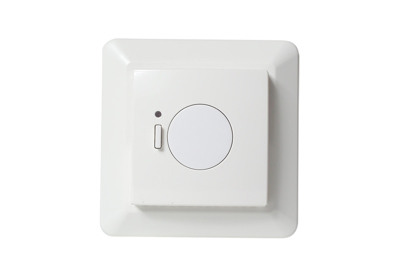
Le thermostat pour chauffage au sol électrique Danfoss Link™ permet d'activer ou d'éteindre le système de chauffage. Équipé en option avec un capteur de température, il permet de mesurer la température de chauffage au sol.
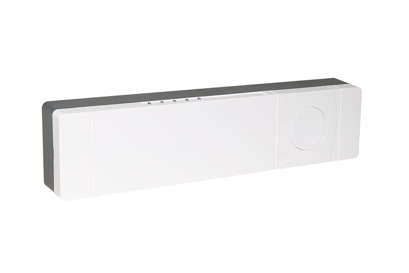
Le contrôleur de chauffage au sol hydraulique Danfoss Link™ offre un large éventail de fonctionnalités avancées pour un contrôle optimal et facile de votre système de chauffage. Il permet de réaliser des grandes économies énergétiques et une régulation de la température pièce par pièce.
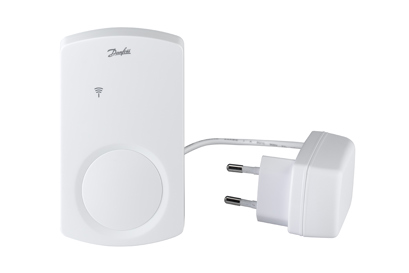
De nombreux accessoires Danfoss Link™ existent : unité de répéteur, adaptateurs, relais de chaudière et autres.
Documents
Vidéos
FAQ
Why is there no connection between my Central Controller and one or more of my devices?
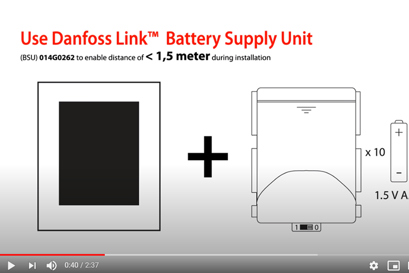
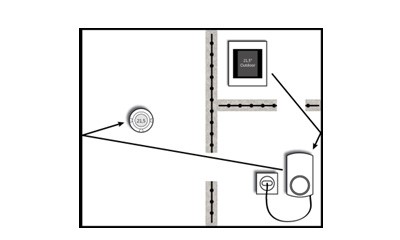
The freer passage the radio signal from the Central Controller has, the farther it can reach. House walls, metal objects, special constructions and other obstacles weaken the signal. Your Central Controller will give an alarm if it cannot reach a device for more than 1.5 hours.
If there are obstacles between your devices, you may need to install a Repeater Unit to extend the signal. If necessary, you can extend the extended signal by adding another Repeater Unit as illustrated below. You only need one Central Controller for your home.
Logiciel
Danfoss Link™ avec wifi est disponible depuis août 2015.
La dernière version du logiciel est la version 4.2.1797 (28-02-2025)
Vous pouvez vérifier si votre CC Danfoss Link est compatible Wi-Fi de deux façons :
1. 1. Vérifiez l'étiquette (autocollant) au dos de votre CC Danfoss Link.
Le numéro de version doit être 4.
2. Si votre CC est allumé et entièrement configuré, vous pouvez suivre les étapes ci-dessous pour vérifier si le CC est compatible avec le Wi-Fi :
a. Cliquez sur l'écran principal
b. Sélectionnez "Contrôle de la maison".
c. Trouvez et sélectionnez "Paramètres".
d. Recherchez "Wi-Fi et applications".
Si ce point est visible vous Danfoss Link CC est compatible avec le Wi-Fi
Danfoss Link™ avec USB a été vendu de 2013 à août 2015.
Il faut d'abord télécharger la version actuelle du logiciel sur une clé USB en cliquant sur le lien correspondant.
Ensuite, allez à votre contrôleur central et faites ce qui suit :
1. Insérez l'USB. Remarque :
La mise à jour automatique du firmware du Link CC via Wi-Fi n’est pas disponible. Veuillez vous reporter à la section suivante pour savoir comment effectuer la mise à jour du firmware via la borne USB en option. Format du lecteur flash : FAT 32, Capacité : <= 4 Go
2. Appuyez sur la vue de l'écran Mode de démarrage
3. Sélectionnez "Contrôle de la maison".
4. Sélectionnez "Paramètres".
5. Sélectionnez "Wi-Fi et applications".
6. Sélectionnez "App options".
7. Sélectionnez "Mise à jour du logiciel".
8. Sélectionnez "Mise à jour via USB".
9. Sélectionnez "Mettre à jour le logiciel maintenant".
Danfoss Link™ avec carte SD a été vendu de 2011 à 2013.
Tout d'abord, téléchargez la dernière version du logiciel sur une mini carte SD en utilisant le lien suivant.
Ensuite, allez à votre contrôleur central et faites ce qui suit :
Insérez la mini carte SD
Retirez la couverture et maintenez la touche SETUP enfoncée pendant trois secondes pour appeler le menu d'installation
Sélectionnez "Logiciel".
Sélectionnez "Mise à jour du logiciel".
Sélectionnez "Démarrer la mise à jour du logiciel".
Sélectionnez "Mettre à jour le logiciel maintenant".
Note : Les contrôleurs centraux d'avant 2010 utilisent parfois la version 1.x.x du logiciel. Dans ce cas, vous devez mettre à jour votre contrôleur central à la version 2.1.35 avant de passer à la dernière version du logiciel.
Solutions associées

Le chauffage connecté par Danfoss
Nous avons une solution de chauffage connecté pour chaque maison et chaque besoin. Du thermostat intelligent autonome pour radiateur aux solutions complètes de chauffage intelligent.
Avec Danfoss, optez pour un contrôle total quand vous voulez, où vous voulez.
En savoir plus sur le chauffage connecté